Βοήθεια
Διαχείριση Οργανισμού
Διαχείριση Βοηθών Διαχείριση Βοηθών
-
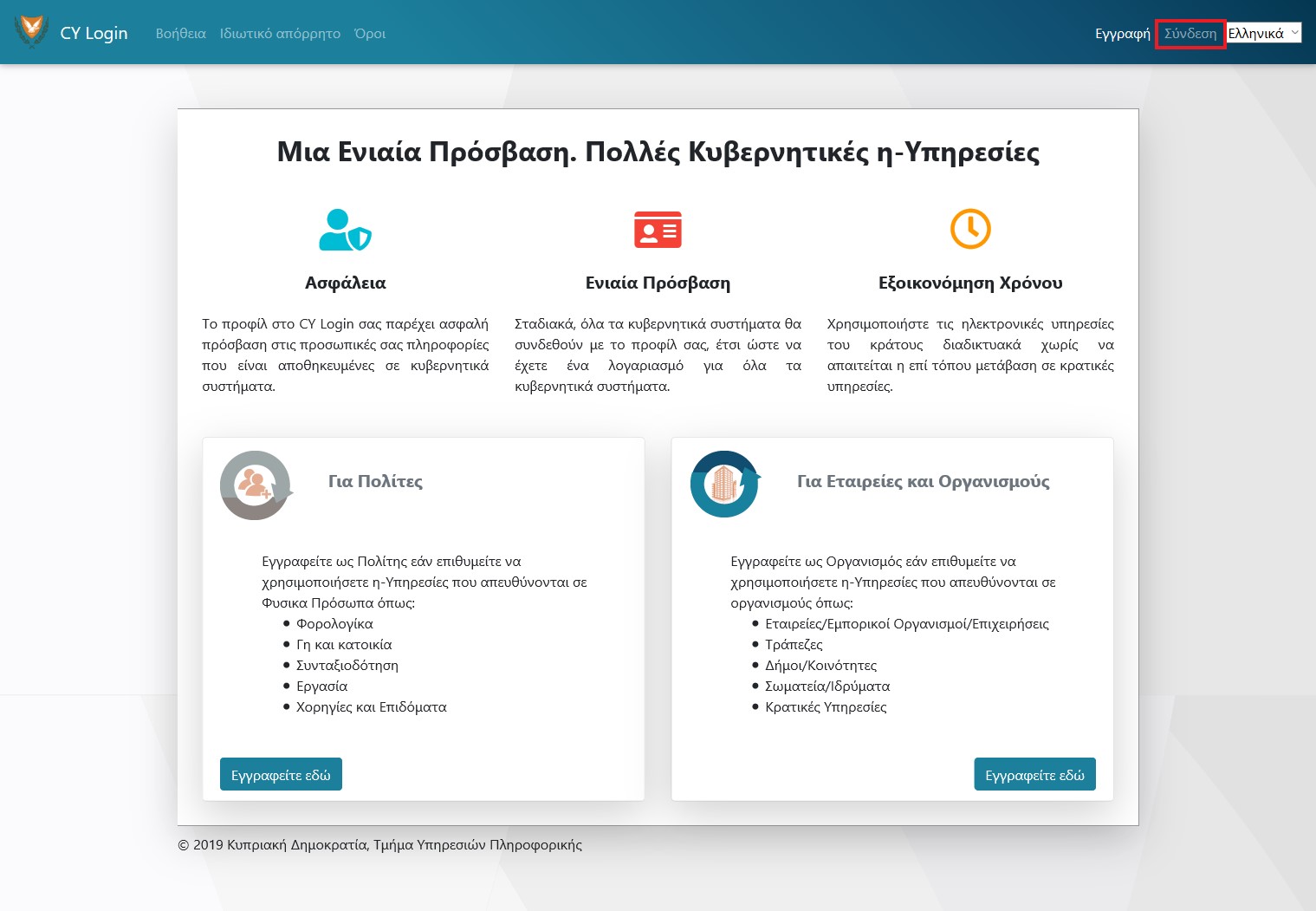
Αν δεν είστε συνδεδεμένος με το CY Login πατήστε «Σύνδεση»
-
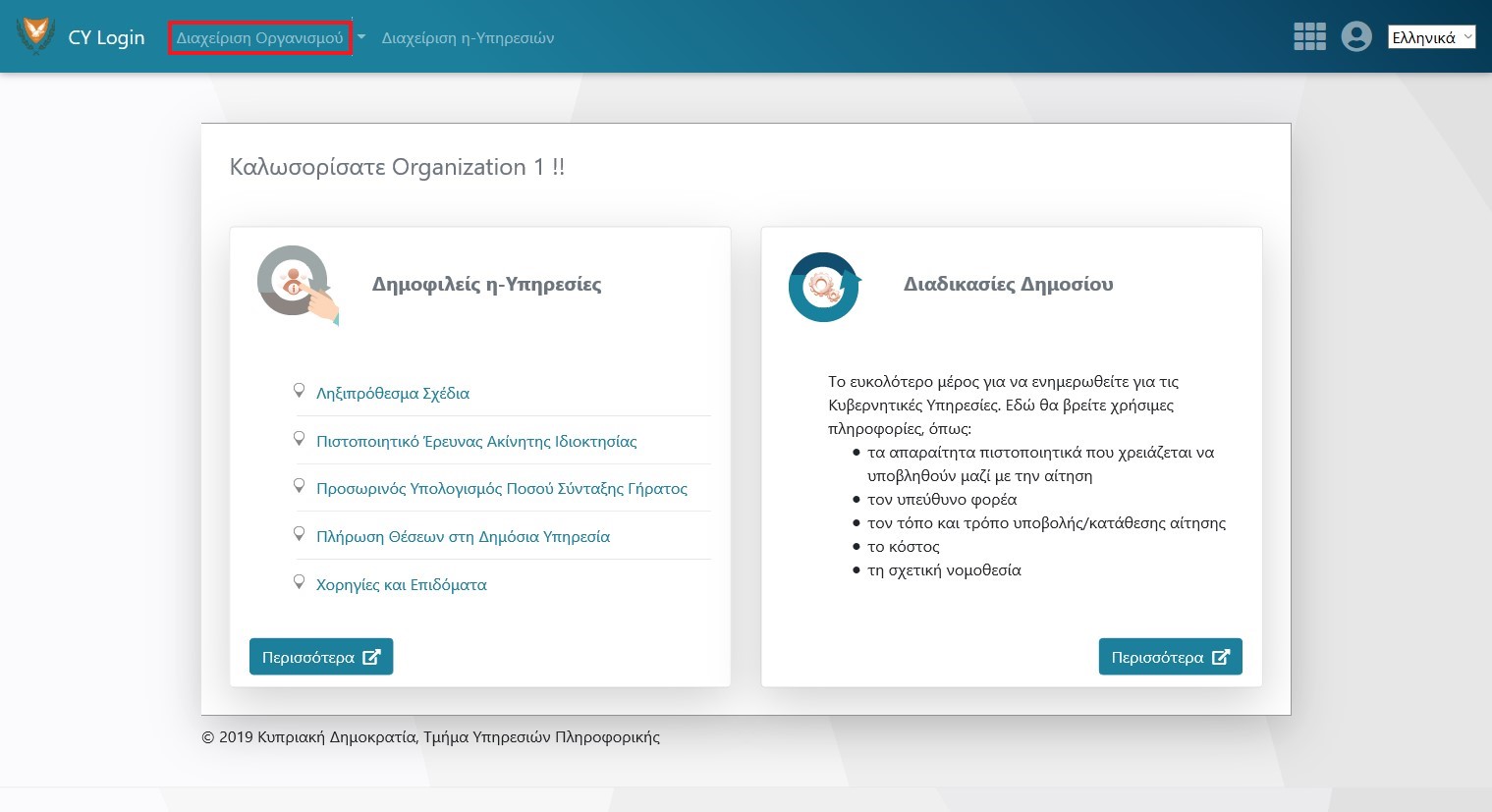
Πατήστε «Διαχείριση Οργανισμού»
-
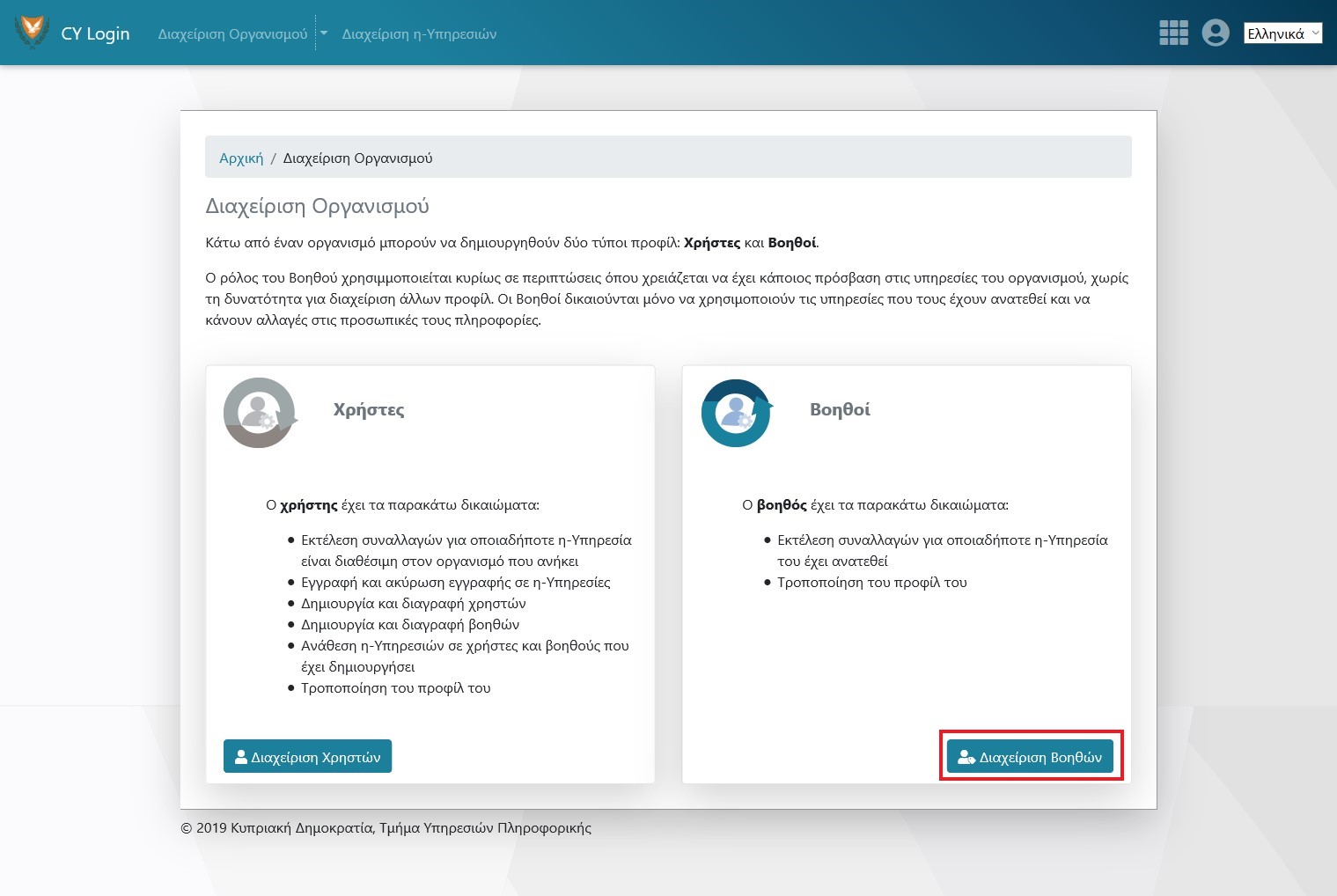
Επιλέξτε «Διαχείριση Βοηθών»
-
Δημιουργία Βοηθού
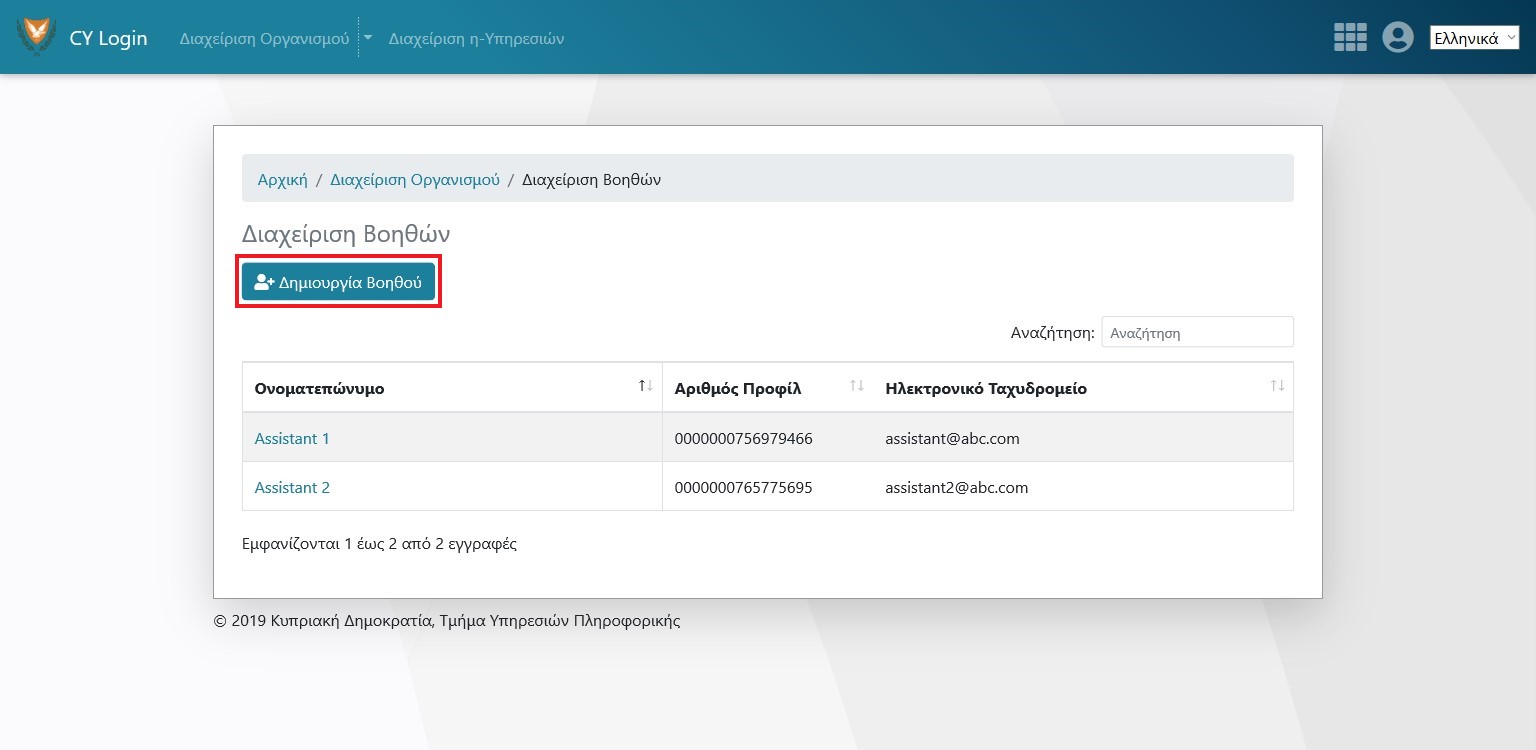
-
Επιλέξτε Βοηθό για διαγραφή ή Ανάθεση η-Υπηρεσιών
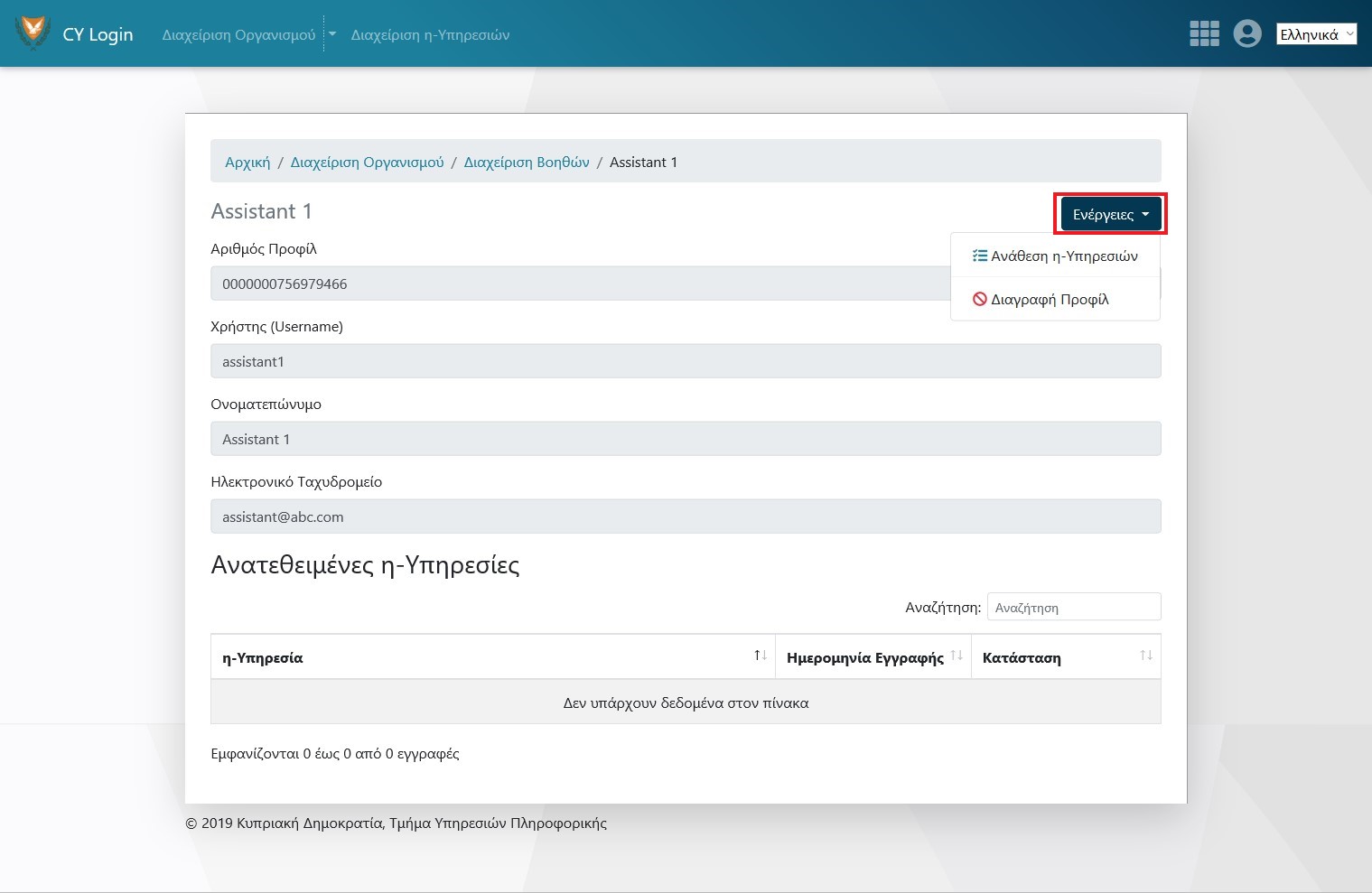
Διαχείριση Χρηστών Διαχείριση Χρηστών
-
Αν δεν είστε συνδεδεμένος με το CY Login πατήστε «Σύνδεση»
-
Πατήστε «Διαχείριση Οργανισμού»
-
Επιλέξτε «Διαχείριση Χρηστών»
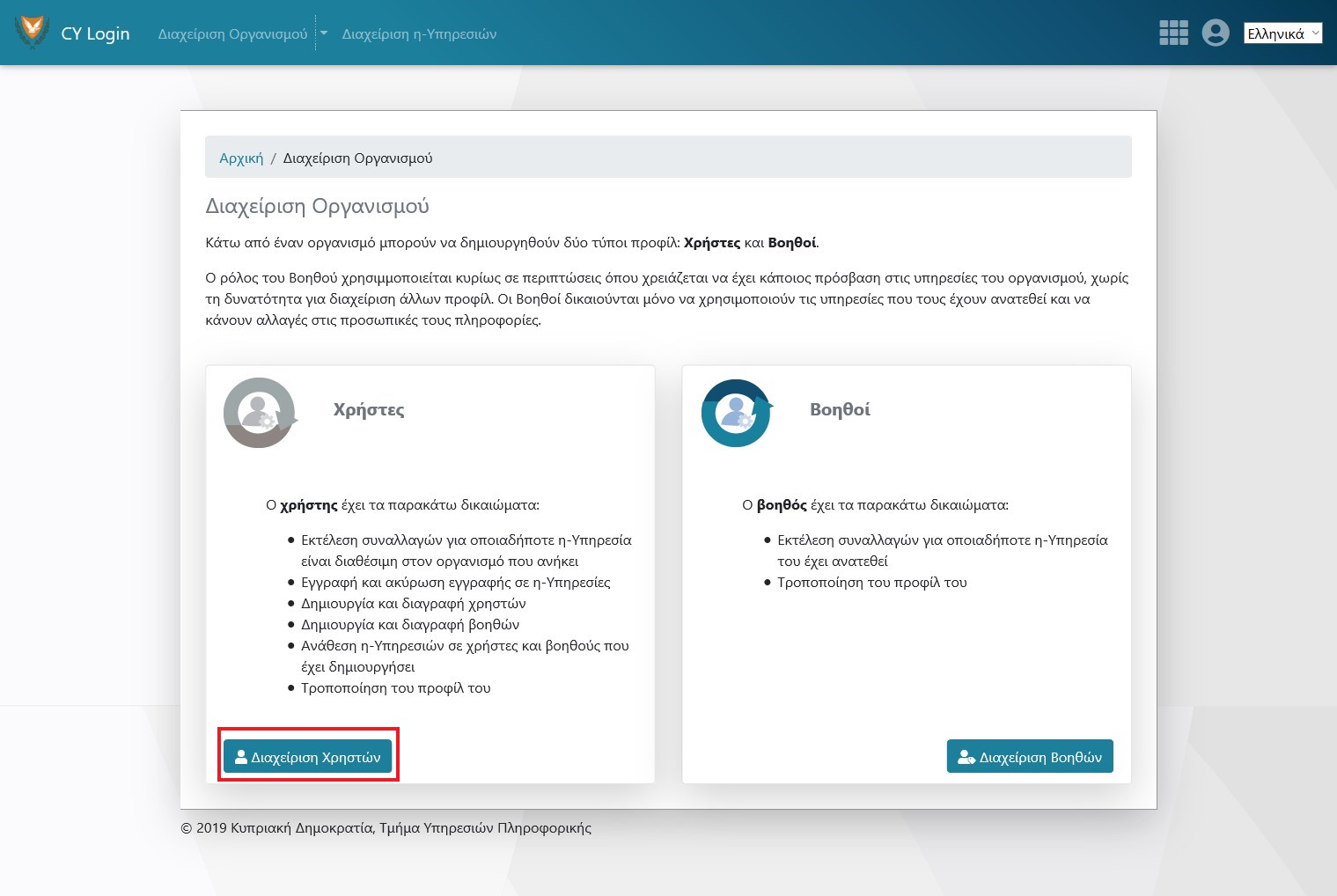
-
Δημιουργία Χρήστη
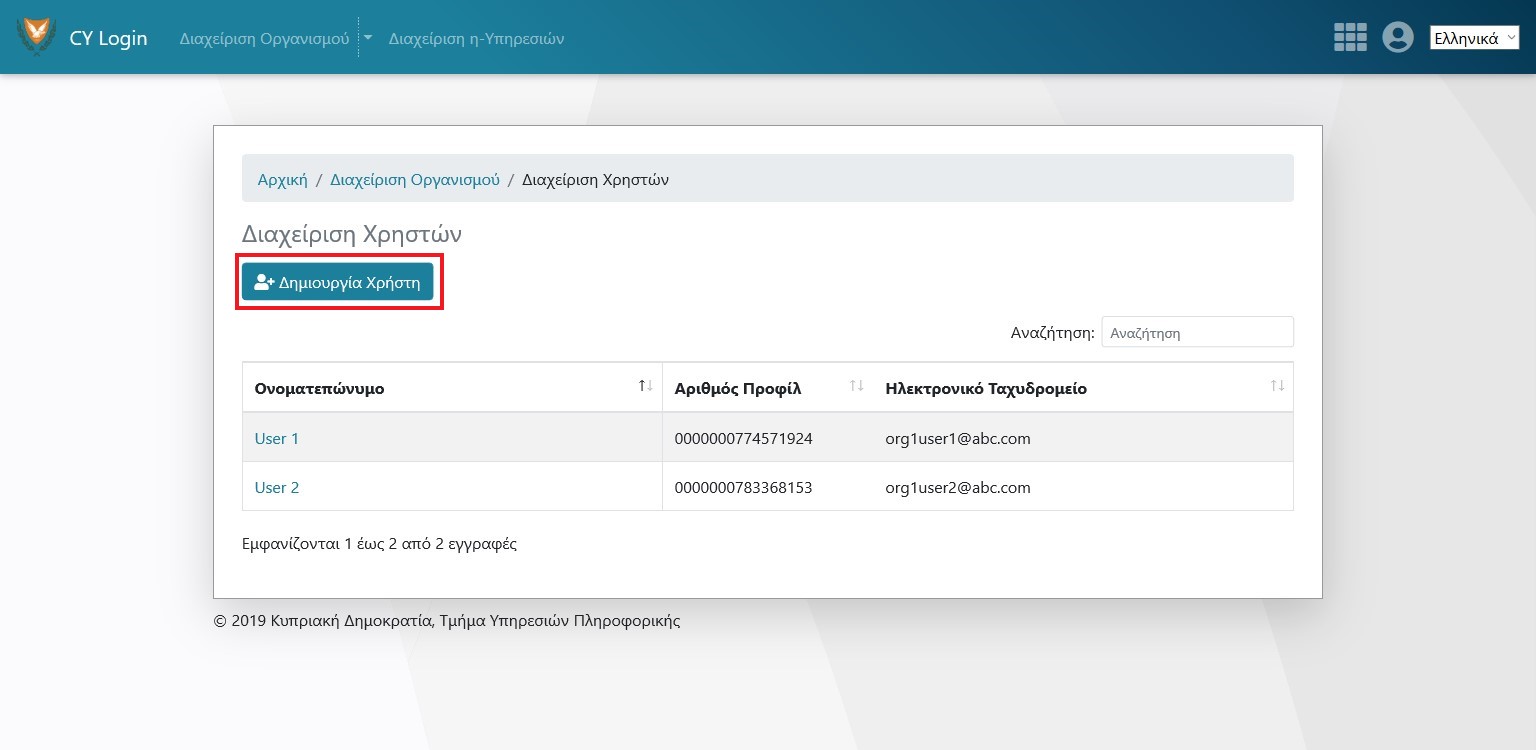
-
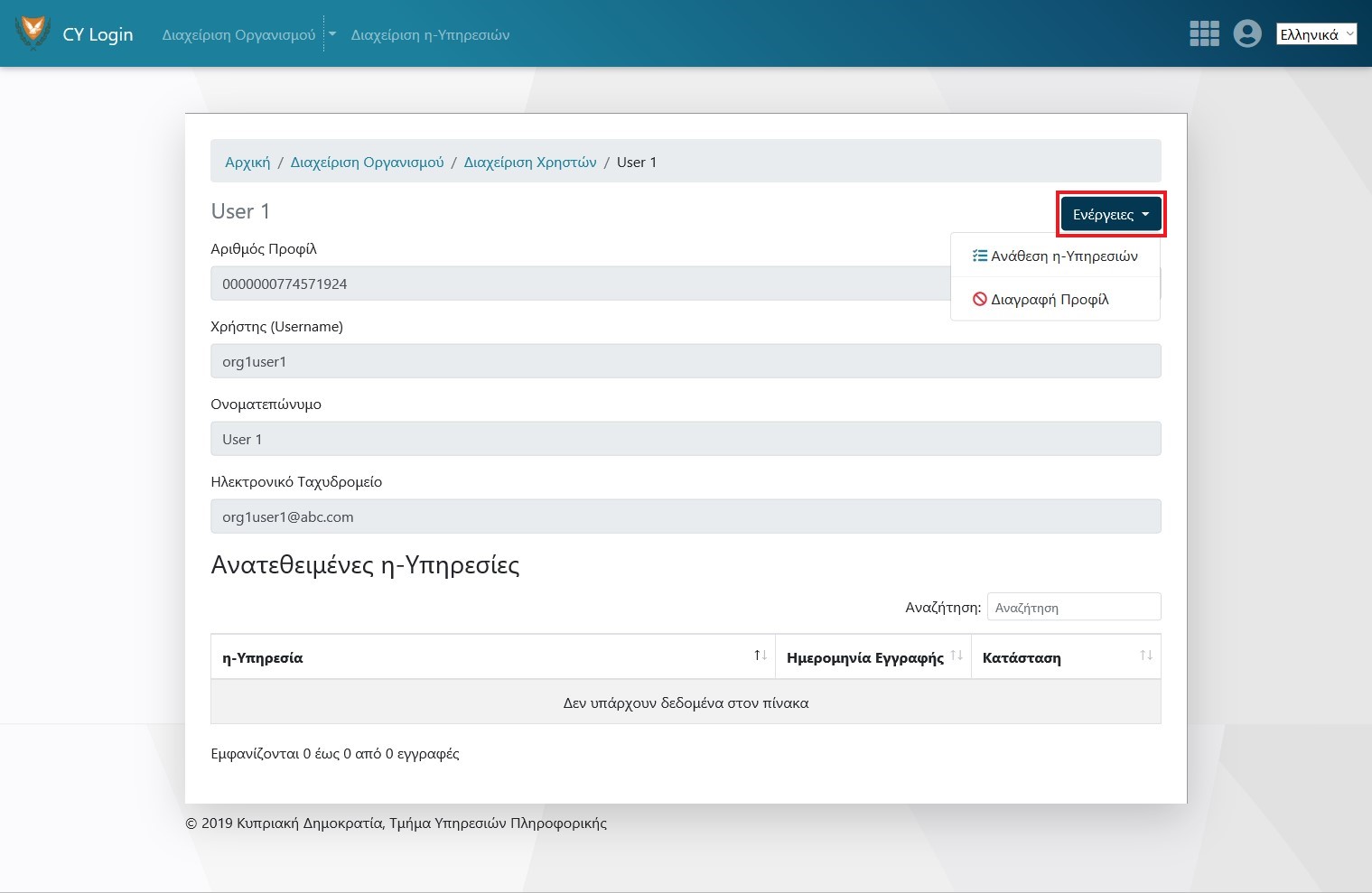
Επιλέξτε Χρήστη για διαγραφή ή Ανάθεση η-Υπηρεσιών
Έλεγχος Πρόσβασης Εφαρμογών Έλεγχος Πρόσβασης Εφαρμογών
Ο έλεγχος πρόσβασης εφαρμογών διασφαλίζει ότι μόνο εξουσιοδοτημένοι χρήστες του οργανισμού μπορούν να έχουν πρόσβαση στις κρατικές ηλεκτρονικές υπηρεσίες που αφορούν τον οργανισμό.
Μπορείτε να ορίσετε την προεπιλεγμένη πολιτική του οργανισμού σας ανάλογα με τις απαιτήσεις ασφαλείας σας. Εάν προτιμάτε μια αυστηρή προσέγγιση ασφαλείας, μπορείτε να δημιουργήσετε τις προσαρμοσμένες πολιτικές σας ανά εφαρμογή.
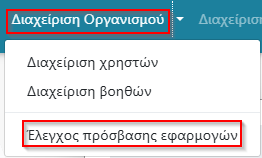
Η επιλογή «Έλεγχος Πρόσβασης Εφαρμογών» βρίσκετε κάτω από την «Διαχείριση Οργανισμού».
Αλλαγή προεπιλεγμένης πολιτικής
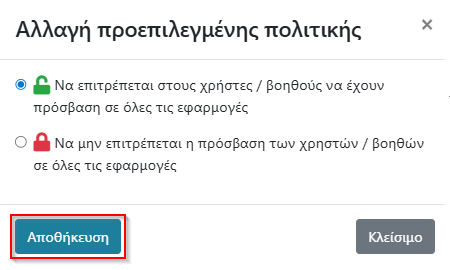
Εξ ορισμού η προεπιλεγμένη πολιτική ελέγχου είναι «Να επιτρέπεται στους χρήστες / βοηθούς να έχουν πρόσβαση σε όλες τις εφαρμογές»
-
Επιλέξετε την επιλογή «Αλλαγή»

-
Επιλέξετε την Πολιτική και στην συνέχεια επιλέξετε «Αποθήκευση»
-
Εάν η αλλαγή πολιτικής είναι από «Να επιτρέπεται στους χρήστες / βοηθούς να έχουν πρόσβαση σε όλες τις εφαρμογές» σε «Να μην επιτρέπεται η πρόσβαση των χρηστών / βοηθών σε όλες τις εφαρμογές» τότε:
- θα πρέπει να ορίσετε ποιοι χρήστες / βοηθοί του οργανισμού σας θα έχουν πρόσβαση σε εφαρμογές μέσω της επιλογής «Προσαρμοσμένες πολιτικές εφαρμογών».
- Εάν δεν ορίσετε χρήστες / βοηθούς, πρόσβαση στις εφαρμογές θα έχει μόνο το «Κυρίως Προφίλ» του οργανισμού σας, δηλαδή αυτό που δημιούργησε αρχικά το προφίλ του οργανισμού στο CY Login.
- Σε περίπτωση όπου είχατε ορίσει προηγουμένως «Προσαρμοσμένες πολιτικές εφαρμογών» αυτές ενεργοποιούνται αυτόματα.
- Εάν η αλλαγή πολιτικής είναι από «Να μην επιτρέπεται η πρόσβαση των χρηστών / βοηθών σε όλες τις εφαρμογές» σε «Να επιτρέπεται στους χρήστες / βοηθούς να έχουν πρόσβαση σε όλες τις εφαρμογές» τότε εάν είχατε ορίσει προηγουμένως «Προσαρμοσμένες πολιτικές εφαρμογών» δεν διαγράφονται αλλά απενεργοποιούνται.
Προσαρμοσμένες πολιτικές εφαρμογών
Προσθήκη
-
Επιλέξετε την επιλογή «Προσθήκη».

-
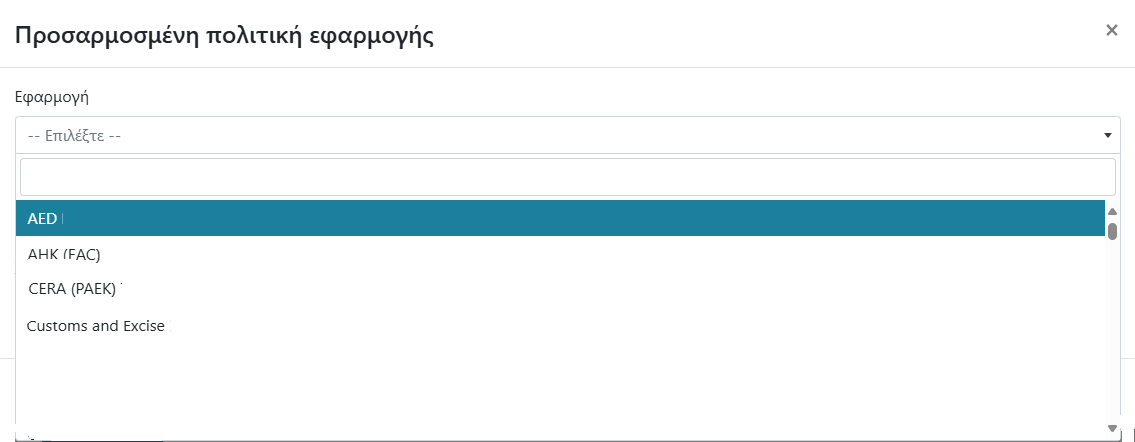
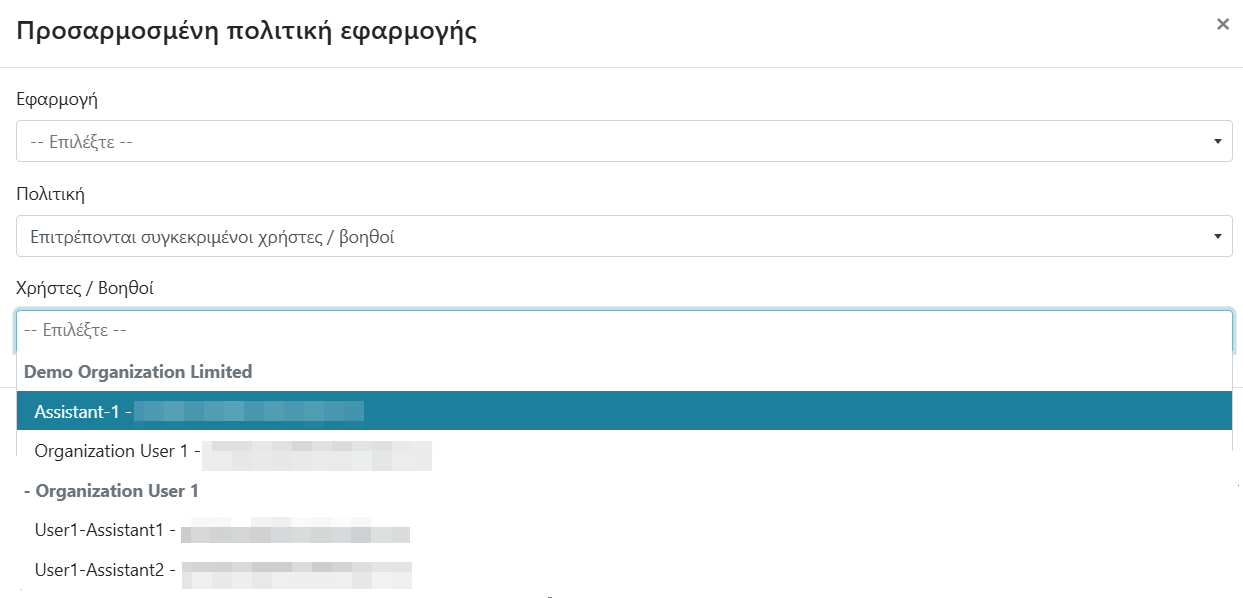
Επιλέξετε την εφαρμογή από την λίστα «Εφαρμογή».
-
Επιλέξετε τους χρήστες ή/και βοηθούς από την λίστα «Χρήστες / Βοηθοί»
Επιλέξετε μόνο τους χρήστες που θέλετε να έχουν πρόσβαση στην επιλεγμένη εφαρμογή.
- Επιλέξετε «Αποθήκευση».
Αλλαγή
- Αναζητήστε την εφαρμογή για την οποία θέλετε να αλλάξετε πολιτική
-
Επιλέξτε «Αλλαγή»

- Προσθέστε ή αφαιρέστε χρήστες ή/και βοηθούς από την λίστα «Χρήστες / Βοηθοί»
- Επιλέξετε «Αποθήκευση».
Διαγραφή
- Αναζητήστε την εφαρμογή για την οποία θέλετε να διαγράψετε.
-
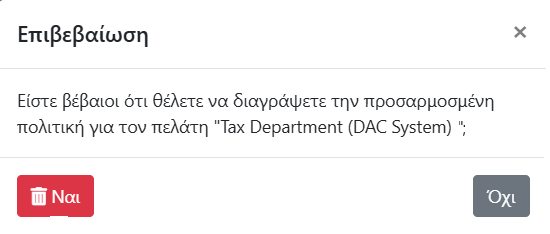
Επιλέξετε «Διαγραφή»

-
Επιλέξετε την επιλογή «Ναι»
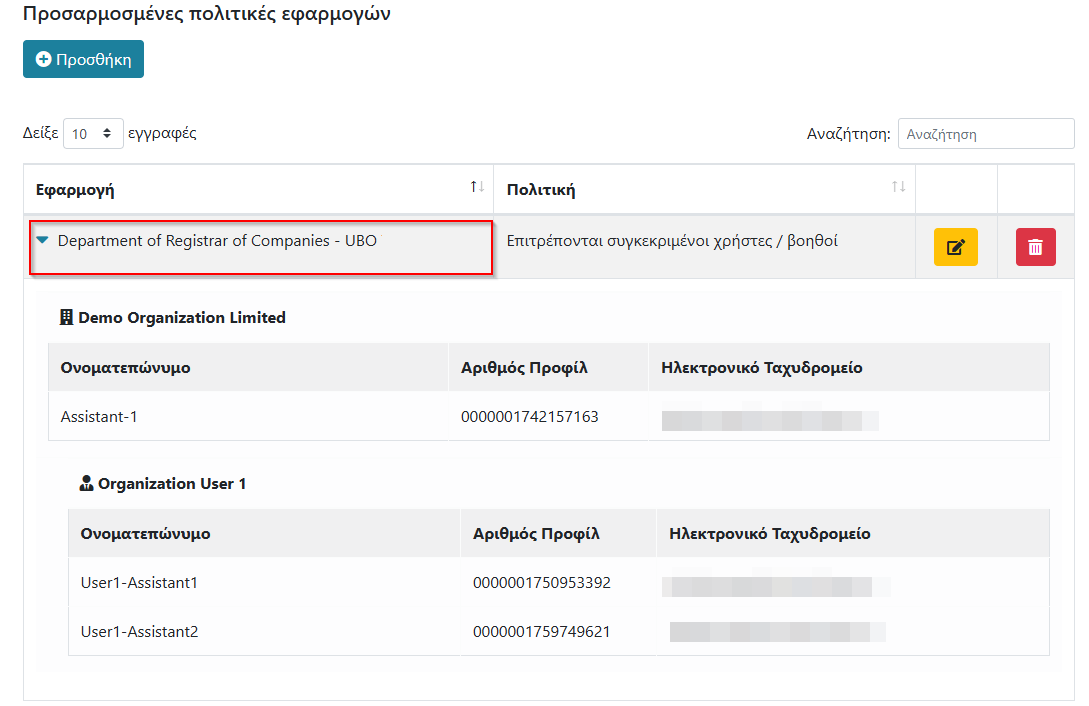
Ανασκόπηση Προσαρμοσμένων Επιλογών
- Αναζητήστε την εφαρμογή για την οποία θέλετε να κάνετε ανασκόπηση
-
Επιλέξετε την εφαρμογή.